Built for creators who publish often
One long video.
Every clip worth posting.
Pixeloop finds the moments people will watch, reframes every speaker, adds clean captions, and turns one upload into a week of content.
AI CLIP DISCOVERYAI decides the clip
Hook → Context → Payoff
✂CUT 01HOOK✂CUT 02CONTEXT✂CUT 03INSIGHT✂CUT 04PAYOFF
Preview selection00:18 / 00:43
Source timeline1 of 4 selected
00:0000:1200:2400:3600:48
Made for the content you already create
YOUTUBEDIRECT UPLOADSINTERVIEWSCOURSESWEBINARS
The creator advantagePublish more.
Publish more.
Edit much less.
Pixeloop compresses the repetitive work between a great recording and a full content calendar.
How Pixeloop works
From long-form to ready-to-post.
No timeline wrestling. No hunting for timestamps. Just three focused steps.
01
youtube.com/watch?v=...↵
or upload a file
Add one long video
Paste a public YouTube link or upload an MP4, MOV, or WebM video file.
02
94Strong hook found
89Strong hook found
86Strong hook found
AI finds the gold
Pixeloop scores hooks, insights, reactions, and story beats—not just loud moments.
03
9:16Reels
1:1Posts
16:9YouTube
Polish and publish
Review clips, switch caption styles, add your brand, and export for every platform.
The Pixeloop production suite
One complete content workflow.
Move from a long recording or a blank idea to polished video, visual stories, and measurable growth—all in one workspace.
01 · CORE WORKFLOW
Video to Clips
Turn one long video into ranked, captioned, platform-ready clips without losing the story or payoff.
 94 clip score
THE DIFFERENCE IS CONSISTENCY
Moment selected02 · VISUAL STORYTELLING
AI Video Collage
Combine multiple clips, reactions, B-roll, music, and motion into a single high-energy composition.
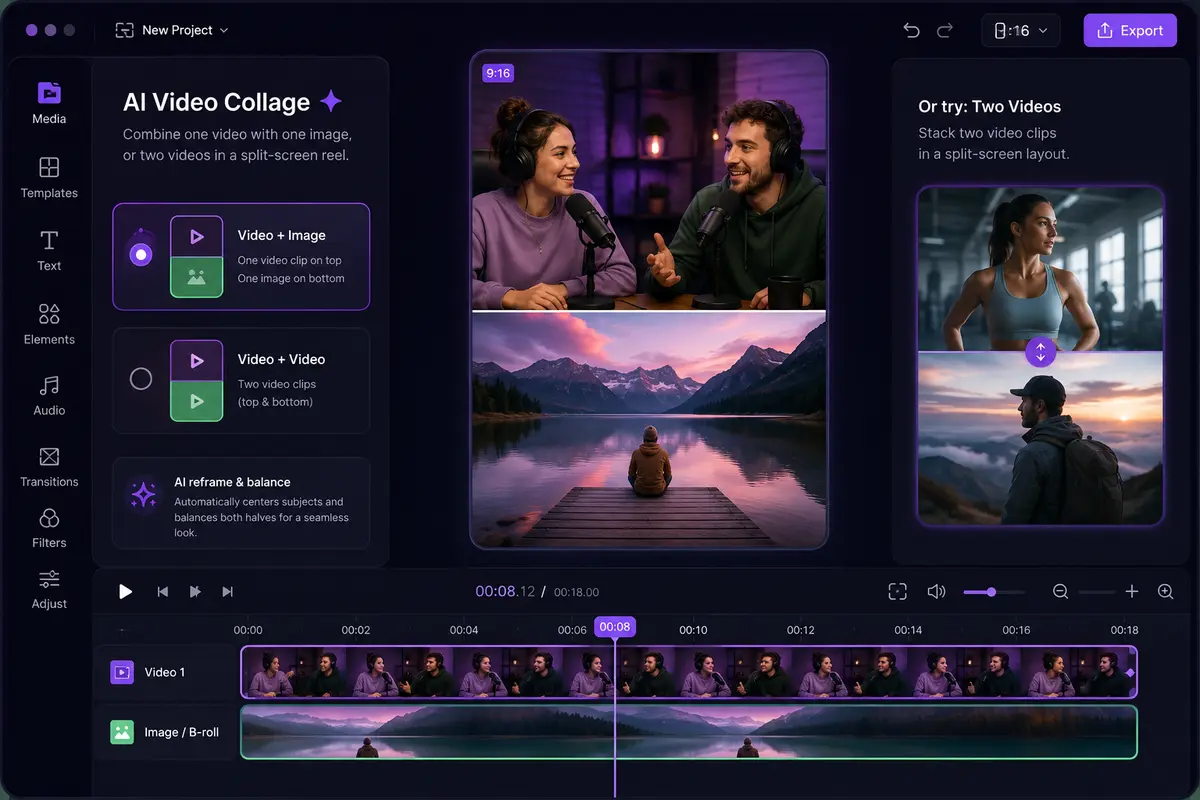
Clip + image2 clips · up/down
Multi-clip layoutsMotion & transitionsMusic sync
Open Composer 03 · PROMPT TO IMAGE
Visual Forge
Describe what you need in simple words and create polished graphics, thumbnails, posters, and original images.
 Made from a prompt
Simple text promptsGraphics & artworkReady-to-use images
Visual Forge · Coming soon
04 · POWER TOOL
AI Editing
A serious editing workspace with AI speed and precise manual control whenever the final cut needs your judgment.
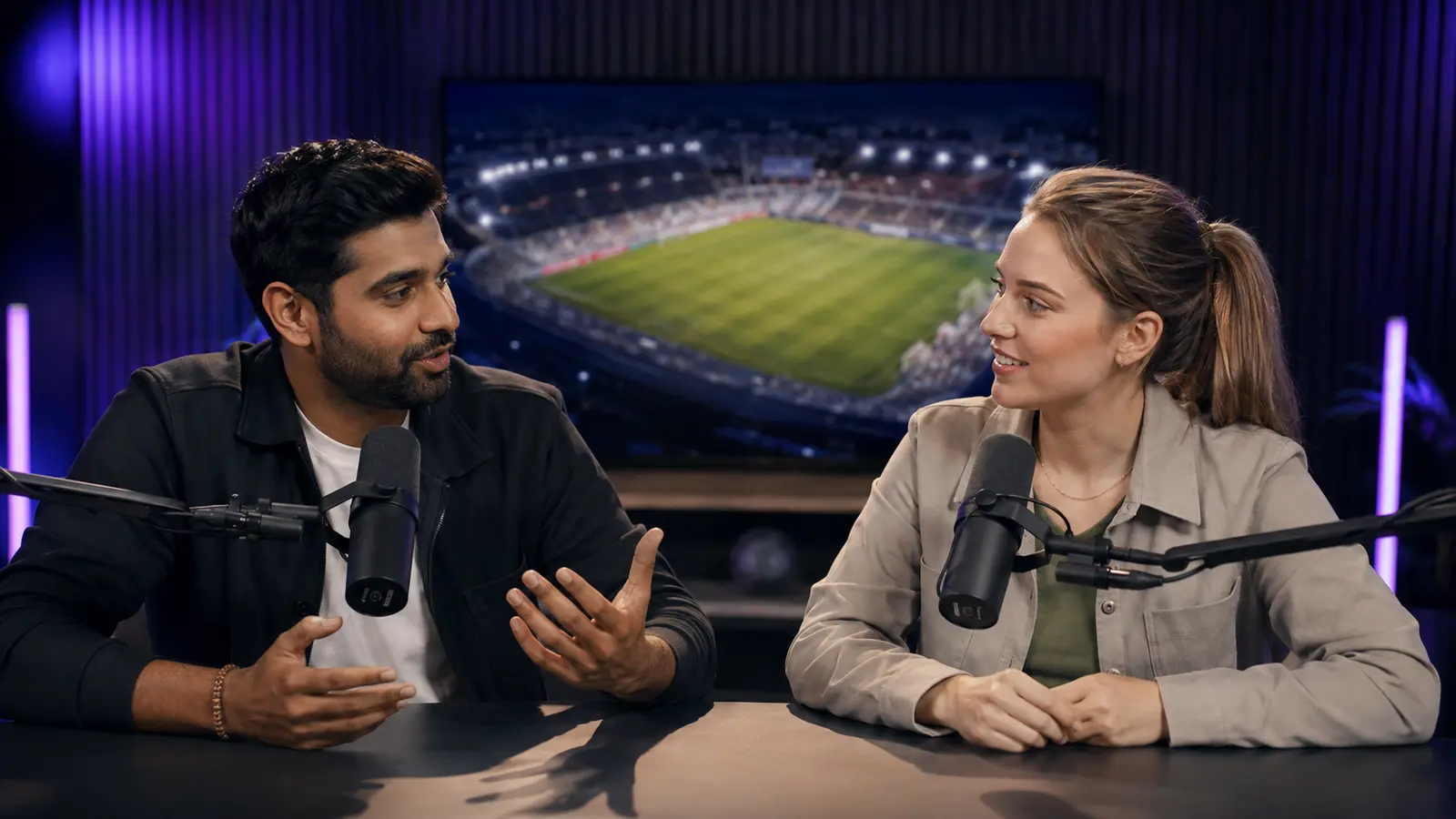 00:18:24
00:0000:1000:2000:30
Razor & ReplacePrecision timelineB-roll & captionsAudio & transitions
Open Composer 05 · PERFORMANCE
Analytics
Understand what holds attention, which topics travel, and what to create next across every connected channel.
Total views2.4M+28%Avg. retention71%+12%Clips published86+19
Views RetentionLast 30 days
Retention curvesTopic performanceChannel comparison
Connected analytics · Coming soon
06 · END-TO-END CREATION
YouTube Faceless Production
Build a complete faceless YouTube video from the first idea to a finished, voice-led visual edit.
 Original AI character
Script→Voice→Visuals→Animate
Script writingAI voiceoverImages & video searchAI visuals & animation
Open PL Studio Simple, creator-friendly pricing
Start free. Scale when you publish more.
No complicated seat math. Your minutes go toward the content you actually process.
FREE
$0 / onceExplore Pixeloop
For testing your first workflow.
- 10 free source minutes · never expire
- AI clips and captions
- No card required
MOST POPULAR
CREATOR
See pricing Publish consistently
For creators and small content teams.
- Source-minute plans
- Complete-video or custom-range analysis
- Saved brand and caption presets
STUDIO
See pricing Build a shared operation
For teams producing at higher volume.
- Source-minute plans
- Complete-video or custom-range analysis
- Saved brand and caption presets
A 60-minute podcast uses 60 source minutes whether you create one clip or ten. Free minutes never expire. Monthly subscriptions renew until cancelled; one-time packs expire after 30 days. View USD and INR pricing →
Questions, answered
Before your first clip.
Everything you need to know about getting started with Pixeloop.
What videos work best with Pixeloop?+
Uploaded interviews, webinars, courses, talking-head videos, and video podcasts work especially well. Public links must be YouTube URLs.
How do source minutes work?+
One source minute is one minute of the video you analyze, not a minute of finished output. A 60-minute podcast uses 60 source minutes whether you make one clip or ten; choose a range before analysis and only that range is charged. Re-rendering, changing captions, and exporting again use no more minutes. Your 10 free source minutes never expire; one-time packs last 30 days and do not renew. Monthly subscriptions renew until cancelled.
Does Pixeloop choose the clips for me?+
Yes. It finds and ranks complete moments using hook strength, clarity, emotion, context, and payoff. You can review every result before exporting.
Can I use my own captions and branding?+
Yes. Save your colors, type styles, logo, safe zones, and caption preset once, then apply them to future projects.
Will I still be able to edit the clips?+
Absolutely. Pixeloop handles the first cut, but timing, framing, captions, branding, and exports remain under your control.
Your next week of content is already recorded
Find the clips hiding
in your long videos.
Paste one link. Let Pixeloop find the moments worth publishing.
Make my first clips Start free No card required No automatic renewal